

Key Takeaways
App Data Deletion
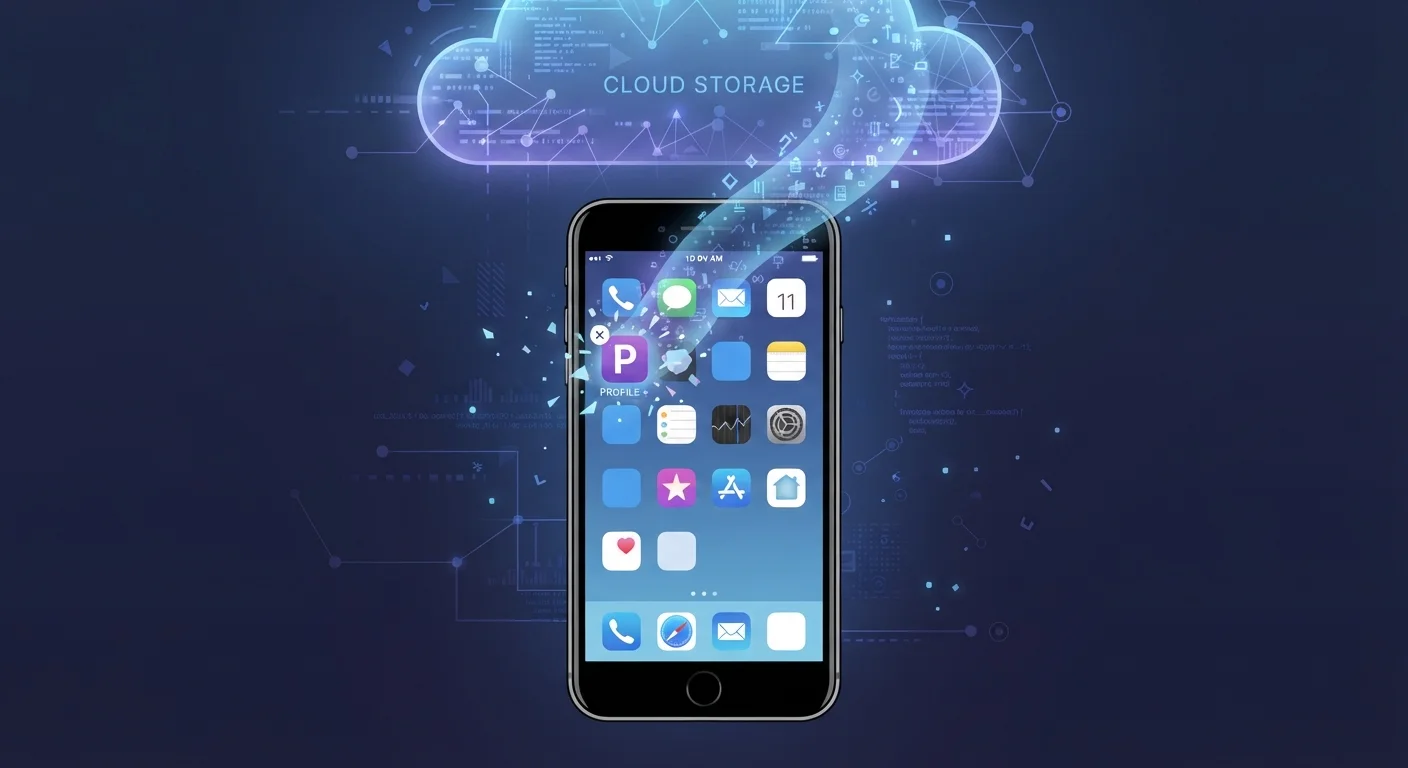
When you delete an app from your phone, you remove the software itself — but the data that app collected, stored, or shared may still exist on the company's servers, in cloud backups, or with third parties. True data deletion requires additional steps beyond just uninstalling. The app's privacy policy and applicable laws govern how long that data is retained.
Under frameworks like GDPR (in the EU) and the California Consumer Privacy Act (CCPA), users in covered jurisdictions have formal rights to request deletion of their personal data from a company's servers — separate from uninstalling the app.
What Actually Gets Removed When You Delete an App
Pressing "delete" on an app feels conclusive — but it's worth understanding what that action actually does. On both iOS and Android, uninstalling an app removes the application code and the local data stored in the app's private storage container on your device. That covers things like cached files, saved preferences, and login tokens that live directly on your phone.
What it doesn't touch is anything that already left your device. From the moment you create an account or start using a service, data is typically being transmitted to and stored on the company's remote servers. Profile information, usage history, purchase records, and behavioral data don't disappear because the app icon is gone from your home screen.
There's also the matter of shared storage. Some apps save files — photos, downloads, documents — to locations on your device outside their private container. Those files remain after you uninstall and need to be manually removed if you want them gone.
iOS and Android Handle Local Data Differently
On iOS, apps are sandboxed — their local data is contained and removed cleanly when you delete the app, unless you've granted access to shared areas like Photos or Files. Android's approach is similar, but some older or less well-maintained apps may write data to external shared storage that persists after uninstall. Checking your storage settings after removing an app can reveal any leftover files.
Where Your Data Goes After You Uninstall
Once data leaves your device, it can end up in several places, and each one has its own deletion process.
- Company servers: The app developer holds account data, usage logs, and any content you generated or shared. This is the primary place your data persists.
- Cloud backups: If you use iCloud or Google One backups, some app data — including app-specific backups — may be preserved in your cloud backup until you explicitly remove it. Understanding the difference between cloud and local storage can help clarify what's where.
- Advertising and analytics partners: Many apps share behavioral data with third-party ad networks or analytics services. These partners may retain data independently, governed by their own privacy policies.
- Data brokers: In some cases, data is sold or licensed to aggregators who compile consumer profiles. Reaching that data requires contacting those brokers directly.
Every app you've ever used contributes something to your broader digital footprint — and most of those contributions outlast the app itself.
79%
Americans concerned about how companies use their data
According to Pew Research Center survey data on American attitudes toward privacy and technology.
30–90 days
Typical server-side data deletion window after account closure
Many major platforms specify this range in their privacy policies, though timelines vary significantly by company and jurisdiction.
45 days
Maximum response time for CCPA data deletion requests
Under the California Consumer Privacy Act, businesses generally must respond to verified deletion requests within 45 calendar days, with one possible extension.
How to Actually Remove Your Data
Getting your data properly removed takes a few deliberate steps before and after uninstalling.
- Delete your account first. Before uninstalling, go into the app's settings and look for an account deletion or data removal option. Many platforms — especially those subject to privacy regulations — are required to offer this in-app. Deleting your account triggers the company's data retention process.
- Submit a formal data deletion request. For added assurance, find the company's privacy policy and locate its data request process. In states covered by laws like the CCPA, US residents can formally request erasure of personal data, and companies are required to respond within a specified timeframe.
- Check your cloud backups. On iPhone, go to Settings > your name > iCloud > Manage Storage to see if the app has a stored backup. On Android, check Google One's backup settings. Remove app-specific backups manually.
- Clear shared storage. Review your downloads folder, photo library, and documents for any files the app may have saved there.
Delete Your Account Before You Uninstall
The single most effective step is to delete your account from within the app before you uninstall it. This triggers the company's data retention and deletion workflow. If you uninstall first, finding the deletion option later may require contacting customer support or navigating the company's website — which takes more time and effort.
Being intentional about these steps from the start is easier than tracking down data later. Consider reviewing app permissions and privacy settings early — setting up a new smartphone with privacy in mind walks through how to configure defaults before problems accumulate.
What You Can Reasonably Expect
Even after following every available step, some data retention is normal and lawful. Companies often retain transaction records for tax and legal compliance, customer service records for a defined period, and anonymized or aggregated data that can't be linked back to you individually. These carve-outs are standard in privacy policies and don't typically represent a risk to individuals.
What you can reasonably expect is that a proper deletion request — especially under applicable state privacy laws — will remove personally identifiable data from active systems within the company's stated timeframe. Complete erasure from every backup or partner system may take longer, as policies typically allow additional time for data to cycle out of backup archives.
Staying informed about what apps collect before you install them is ultimately the most effective form of data control. The data you choose not to share to begin with is data you never have to chase down later.
This article is for general informational purposes only. Privacy laws vary by jurisdiction, and readers should consult the specific privacy policy of any app or service and seek appropriate legal guidance if needed.