

Key Takeaways
Capacitive Touchscreen
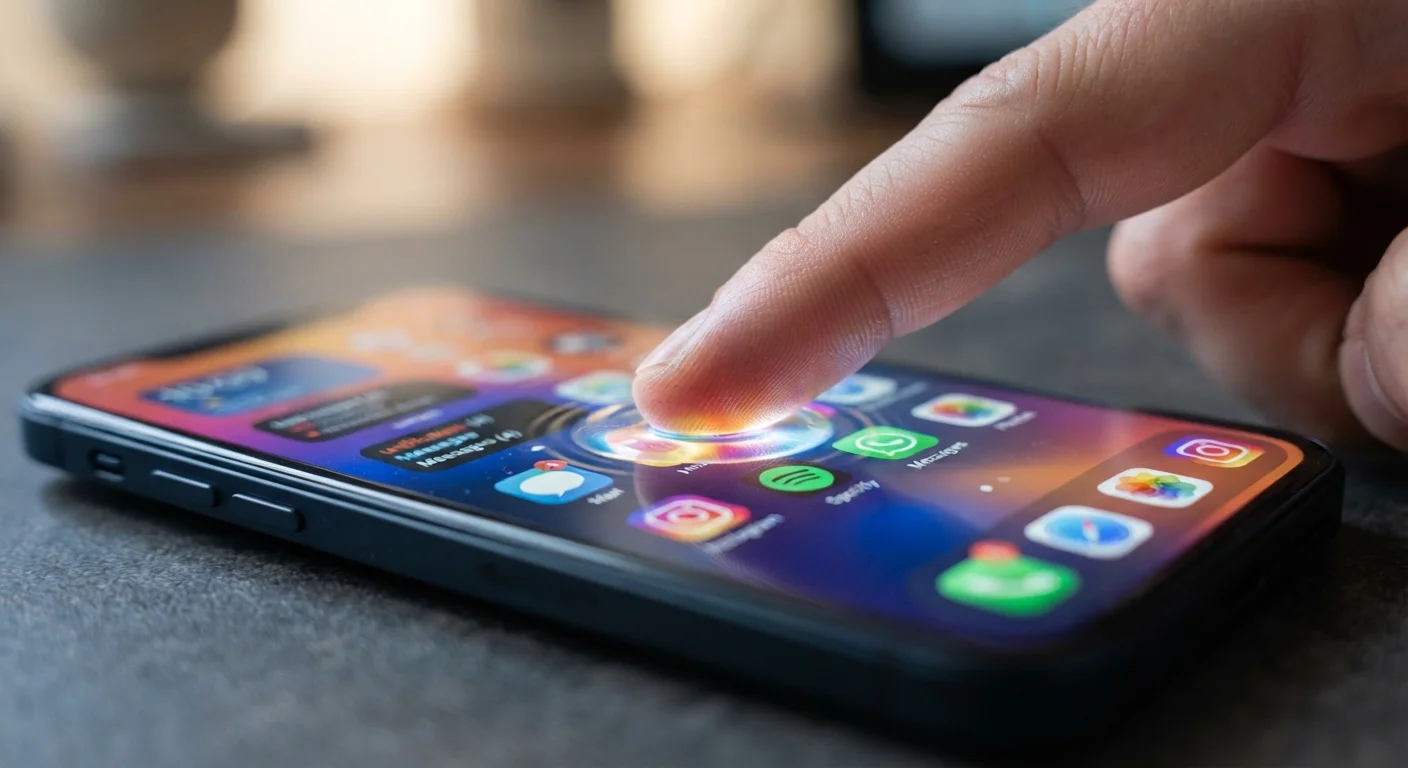
A capacitive touchscreen is the type of display used in virtually all modern smartphones. It works by detecting the small electrical charge naturally present in your fingertip, allowing the phone to register exactly where you touched without any physical pressure required. The glass panel contains a grid of transparent electrodes that continuously monitor changes in electrical fields across the screen's surface.
Most smartphone screens use projected capacitive technology (PCAP), which supports multi-touch input by tracking multiple disturbance points in the electrode grid simultaneously.
The Moment Your Finger Meets the Glass
It feels instant — you tap an icon and the app opens. But beneath that simple gesture lies a layered chain of hardware and software events that unfolds in less time than it takes to blink. Understanding it starts with the glass itself.
The front surface of your smartphone is not just protective glass. Laminated beneath it is a transparent grid of electrodes, typically made from indium tin oxide, arranged in intersecting rows and columns. These electrodes carry a low-level electrical field across the entire screen surface at all times.
Human skin is a mild electrical conductor. When your fingertip approaches the glass, it disturbs the electrical field at that specific grid intersection — creating a measurable change in capacitance (the ability of that point to store an electrical charge). This disturbance is the raw signal that starts the whole process. No physical pressure is required; the screen responds to your electrical presence, not your force.
Why Styluses Need Special Design
A standard plastic stylus has no electrical charge, so a capacitive screen ignores it entirely. Active styluses — like those designed for drawing or note-taking on certain tablets and phones — include a battery and electronics that emit a small electrical signal, mimicking a fingertip. This is why not every stylus works with every device.
From Signal to Coordinates: The Touch Controller
The electrode grid doesn't interpret itself. That job belongs to a dedicated chip called the touch controller, a small processor embedded inside the phone specifically for this task. It continuously scans every row and column intersection in the grid — often hundreds of times per second — looking for changes in capacitance.
When it detects a disturbance, the touch controller calculates the precise X and Y coordinates on the screen where the change occurred. If you're using two fingers, it tracks two separate disturbance points simultaneously. This raw coordinate data is then passed — via a communication bus inside the phone — to the main application processor.
<100ms
Typical touch-to-display response time
Most modern smartphones complete the full touch-to-visual-response cycle in under 100 milliseconds, according to industry benchmarks from display technology researchers.
240Hz
Touch scanning rate on high-end phones
Some flagship smartphones sample the touch grid up to 240 times per second, reducing the gap between gesture and on-screen response.
10+
Simultaneous touch points supported
Modern projected capacitive panels can track ten or more distinct contact points at once, enabling complex multi-finger gestures.
The application processor runs your phone's operating system, which translates those coordinates into intent. It checks what element is displayed at those coordinates, determines whether your gesture was a tap, swipe, or pinch, and routes a command to the appropriate app. The app then updates what it displays — and the display driver redraws the relevant pixels on screen.
How the Display Responds
The final link in the chain is the display itself. Modern smartphones use either OLED or LCD panels, both of which update in response to signals from the display driver chip. When the operating system tells an app to show a new state — say, a button changing color after you tap it — the display driver translates that instruction into pixel-level changes across the screen.
How quickly and smoothly this happens depends partly on the screen's refresh rate: how many times per second the display redraws its image. A higher refresh rate means transitions look more fluid. Screen resolution and refresh rate both play a role in how responsive a display feels during everyday use.
Keep Your Screen Clean for Best Responsiveness
Oils, dust, and smudges can subtly interfere with the electrical field at the screen surface. Wiping your display regularly with a soft, dry cloth helps maintain consistent touch sensitivity. Avoid harsh cleaners that could degrade the oleophobic (oil-resistant) coating on the glass.
The entire sequence — touch detection, coordinate calculation, OS interpretation, app response, display update — typically completes in under 100 milliseconds on a well-optimized modern phone. That's fast enough to feel seamless, even though it involves multiple chips, software layers, and millions of pixel updates working in concert.
When Things Go Wrong — and Why
Knowing how the system works makes common touchscreen frustrations easier to understand. Gloves block your skin's electrical charge from reaching the electrode layer, so the grid detects nothing. A cracked screen may have fractured electrode lines, creating zones that no longer report accurately. Water on the glass introduces its own electrical disturbances — the controller may misread droplets as phantom taps.
Heavy processing load can also slow the chain: if the application processor is occupied running a demanding task, it may take longer to translate touch coordinates into a visible response. This is one reason a phone can sometimes feel sluggish under load — the hardware is fine, but the software pipeline is backed up. This additional processing load is also a reason intensive use contributes to device heat.
Your smartphone is also capturing data far beyond what's needed just to open an app. The patterns of how you tap and swipe contribute to your broader digital footprint — something worth understanding as you use your device daily.