

Key Takeaways
Phishing Email
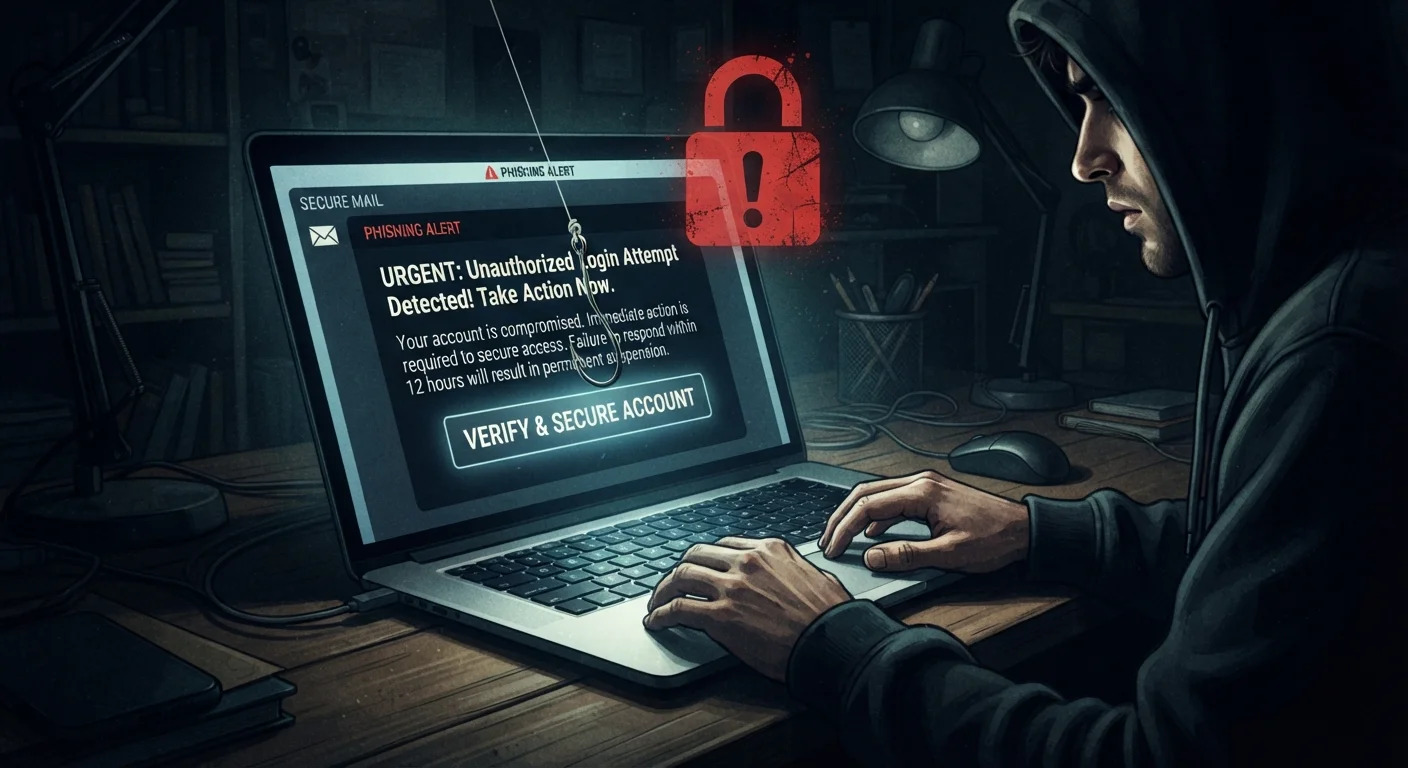
A phishing email is a fraudulent message designed to trick you into revealing sensitive information — like passwords or financial details — or into clicking a malicious link. These emails impersonate trusted organizations such as banks, government agencies, or well-known tech companies. The goal is deception, not brute-force hacking.
Phishing is a form of social engineering. More targeted variants — called spear phishing — use personalized details gathered from data breaches or public profiles to increase believability.
It's Not About Being Foolish
The persistent myth around phishing is that only careless or unsophisticated users fall for it. The reality is more uncomfortable: these attacks are deliberately engineered to fool anyone, regardless of education or technical background. Phishing succeeds by targeting how human brains process urgency, authority, and trust — instincts that are deeply wired and not easily overridden by awareness alone.
Security researchers have documented phishing success rates that remain stubbornly high across all demographics. What's changed is that attackers have become better at mimicking the exact visual and emotional cues people associate with legitimacy.
36%
Share of data breaches involving phishing
According to Verizon's Data Breach Investigations Report, phishing remains one of the leading causes of confirmed data breaches year after year.
3.4B
Phishing emails sent daily (estimated)
Industry estimates suggest billions of phishing emails circulate each day globally, making it one of the most prevalent cyber threats facing individuals and organizations.
60s
Median time to first phishing click
Research from phishing simulation providers indicates that when a convincing phishing email lands, recipients frequently click within the first minute of reading it.
The Psychology Behind the Hook
Phishing emails work because they borrow the same persuasion mechanics used in legitimate communication. The most effective attacks typically deploy one or more of these psychological levers:
- Urgency: "Your account will be suspended in 24 hours" forces a reactive response, short-circuiting careful evaluation.
- Authority: An email appearing to come from the IRS, your bank, or a platform's security team carries built-in credibility that most people don't immediately question.
- Familiarity: Attackers increasingly use personal details — your name, employer, or recent activity — sourced from data breaches or public social media to make the message feel tailored and real.
- Fear of loss: Framing a message around losing access, money, or data triggers a protective instinct that often overrides rational skepticism.
This last tactic — spear phishing — is particularly effective. When an email references your actual job title or a recent transaction, the implicit assumption of legitimacy is almost automatic. Understanding these habits that quietly undermine your online privacy can help you recognize when you're being nudged toward a rash click.
“Phishing attacks exploit the most predictable element of any security system: human behavior. No amount of technical sophistication fully compensates for the moment when urgency overrides judgment.”
— Bruce Schneier, Security technologist and author on cybersecurity
Technical Tricks That Enhance the Deception
Beyond psychology, modern phishing attacks have technical sophistication working in their favor. A few common methods:
- Lookalike domains: Addresses like
paypa1.comorsecure-bankofamerica.netare easily registered and hard to spot at a glance. - HTTPS padlock: Many people associate the padlock icon with safety — but it only means the connection is encrypted, not that the site is legitimate. Phishing sites routinely use HTTPS.
- Pixel-perfect branding: Attackers copy exact HTML templates, logos, and fonts from real company emails. Without scrutinizing the sender address and link destination, the email is visually identical to the genuine article.
- Compromised legitimate accounts: Some phishing messages arrive from real, hacked email addresses, bypassing spam filters entirely.
Because these tactics evolve constantly, no spam filter catches everything. This is why building personal verification habits matters more than relying solely on automated protection.
Hover Before You Click
Before clicking any link in an email, hover your mouse over it to preview the actual destination URL in your browser's status bar. If the displayed address looks unfamiliar, mismatched, or uses a suspicious domain, don't click. This simple habit takes two seconds and can prevent a significant number of phishing attempts.
What Actually Helps
Awareness is a starting point, but specific habits make a meaningful difference:
- Check the full sender address — not just the display name. "PayPal Support" can mask any underlying address.
- Hover before you click — preview the real destination URL before following any link in an email.
- Treat urgency as a red flag — legitimate organizations rarely demand immediate action via email without alternative contact options.
- Go directly to the source — if an email claims your bank account needs attention, open a new browser tab and navigate to the bank's site directly rather than clicking through.
- Use stronger authentication — phishing often aims to steal credentials. Our article on two-factor authentication methods explains why SMS codes alone may not be sufficient protection.
Strong, unique passwords also limit the damage a successful phishing attack can cause. If you're skeptical of password managers, it's worth reviewing common password manager myths before dismissing them.