

Key Takeaways
Two-Factor Authentication (2FA)
Two-factor authentication is a security method that requires you to verify your identity in two separate ways before accessing an account. Instead of relying on just a password, you also provide a second proof — such as a code sent to your phone or generated by an app. This layered approach makes it significantly harder for someone else to break into your accounts even if they know your password.
The three categories of authentication factors are: something you know (password), something you have (a device or token), and something you are (biometrics). True 2FA combines factors from at least two of these categories.
Why Your Password Alone Isn't Enough
Passwords get compromised constantly — through data breaches, phishing emails, or simple reuse across multiple sites. When a password is the only barrier between an attacker and your account, one breach can cascade across your entire digital life. Two-factor authentication breaks that chain by requiring a second, separate verification step that the attacker typically won't have access to.
The concept is straightforward: even if someone learns your password, they still need that second factor to get in. What most people don't realize is that not all second factors are created equal — and the one most commonly offered, a text message, has real weaknesses worth understanding.
If you're reviewing the security of your accounts more broadly, the Online Account Security Audit Checklist covers passwords, recovery options, and 2FA settings in one practical walkthrough.
80%+
Of hacking-related breaches involving stolen credentials
The Verizon Data Breach Investigations Report has consistently found that the vast majority of hacking-related breaches exploit weak or stolen passwords, underscoring why a second factor matters.
~99%
Of automated account attacks blocked by 2FA
Google's internal research found that adding a recovery phone number — a basic form of second-factor verification — blocked nearly all automated bot attacks on accounts.
The Problem with SMS Codes
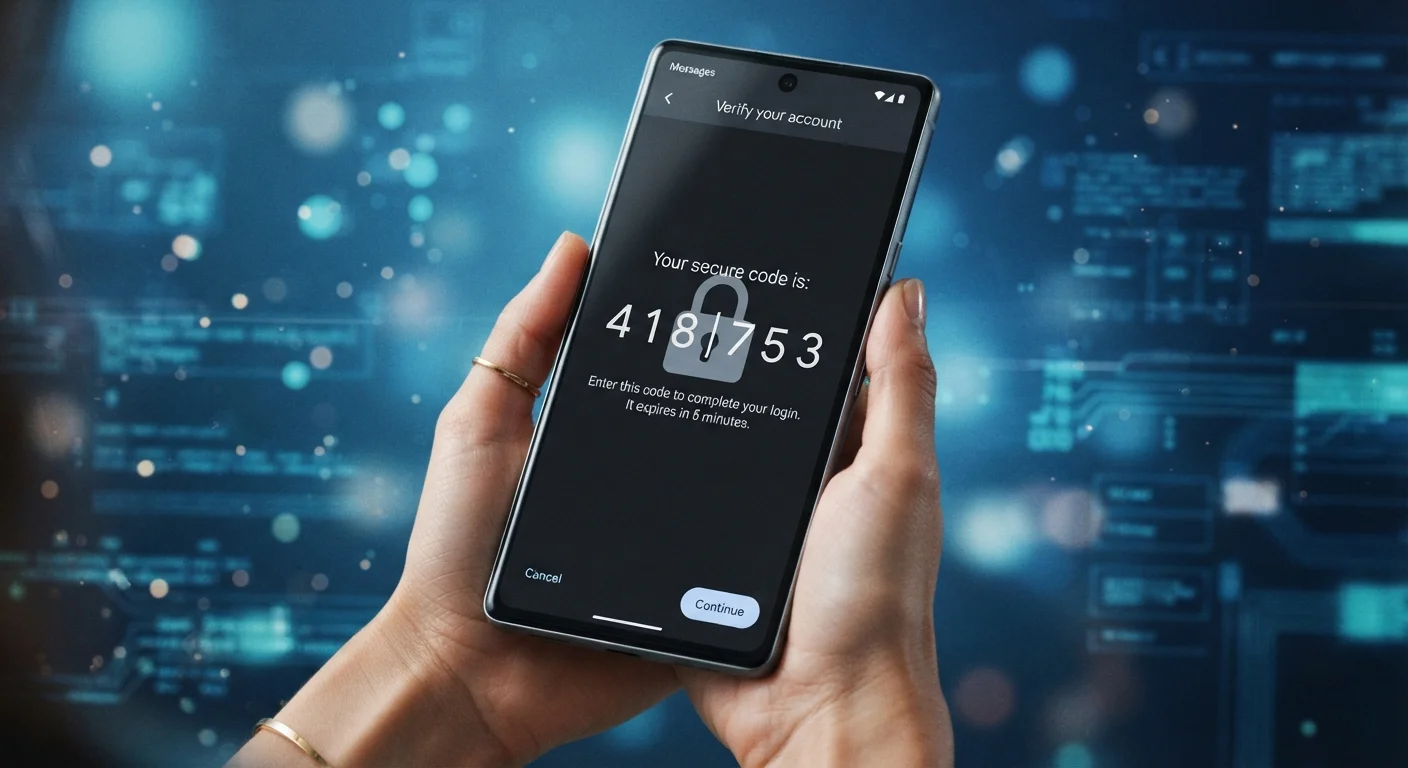
When a site texts you a six-digit code, that code travels through your mobile carrier's network. This creates two main vulnerabilities.
The first is SIM swapping. An attacker who knows your phone number and some basic personal details can sometimes convince a carrier's support team to reassign your number to a new SIM card they control. From that point on, they receive any texts meant for you — including your login codes.
The second is SS7 protocol weaknesses. SS7 is the decades-old signaling system that mobile networks use to route calls and messages. Researchers have demonstrated that weaknesses in this protocol can, under certain conditions, allow messages to be intercepted. This is a more sophisticated attack, but it's been documented in real-world cases targeting financial accounts.
These risks don't mean you should turn off SMS 2FA if it's what you have. They do mean it's worth knowing what better options look like.
SMS 2FA Is Still Worth Using
Despite its vulnerabilities, SMS-based 2FA remains far better than no second factor at all. Automated credential-stuffing attacks — which account for a large share of account takeovers — are effectively stopped by any form of 2FA. If SMS is the only option a service offers, enable it. The goal is to upgrade where the option exists and the account warrants it.
Stronger Alternatives: Authenticator Apps and Hardware Keys
Authenticator apps — software installed on your smartphone — generate time-based, one-time codes locally on your device without sending anything over the cellular network. The code exists only on your phone and expires within 30 seconds. Because no message is transmitted, SIM swapping and network interception don't apply. This makes authenticator apps a meaningful step up from SMS for most people.
Hardware security keys are small physical devices — often resembling a USB drive — that you plug in or tap against your phone when logging in. They use public-key cryptography and, critically, they verify that the website you're logging into is actually the legitimate site and not a phishing copy. This makes them resistant to phishing attacks in a way that codes (both SMS and app-generated) are not, since a phishing site can capture and immediately replay a code in real time.
For accounts where a breach would be especially damaging — your primary email, your bank, or an account storing sensitive documents — considering an upgrade to one of these methods is a reasonable step. When setting up a new device, configuring your preferred 2FA method early saves hassle later.
“The attacker doesn't need to break your password if they can simply intercept the code you're using to verify it. The channel the code travels through matters as much as the code itself.”
— Bruce Schneier, Security technologist and author on cryptography and computer security
Making a Practical Choice
The right approach depends on the sensitivity of the account and what's available. Most services now offer at least one authenticator app option alongside SMS. A small number of services support hardware keys.
A useful mental framework: rank your accounts by consequence. If your email account were compromised, what else could an attacker access? Email is almost always the highest priority because it doubles as the recovery path for nearly every other account. Social media and financial accounts follow closely.
Pairing strong 2FA with good password habits — unique, complex passwords stored in a password manager — dramatically reduces your exposure. If you're uncertain about password managers, common misconceptions about password managers may address some hesitations. For connected home devices, the same security mindset applies — see Home Automation on a Shared Network for relevant habits.
Start With Your Email Account
If you only upgrade one account's 2FA method, make it your primary email. Your inbox is the master key to nearly every other account you own — password resets, account confirmations, and recovery codes all flow through it. Securing email with an authenticator app or hardware key closes one of the most consequential exposure points in your digital life.
The core takeaway is simple: SMS 2FA is better than nothing, but it isn't the ceiling. Knowing the difference helps you make better decisions about which accounts deserve stronger protection.