

Key Takeaways
Option A
Spreadsheet (Manual Tracking)
The hands-on, fully customizable method.
Best for: Detail-oriented people who want complete control over categories, formulas, and layout.
Option B
Budgeting App (Automated Tracking)
The streamlined, low-effort digital alternative.
Best for: Busy individuals who prefer automation and want spending insights with minimal manual input.
If you enjoy working with numbers and want total control
Spreadsheet (Manual Tracking)
Spreadsheets let you define every category, formula, and layout exactly as you need — no preset structure forces compromises.
If you want spending data without daily manual input
Budgeting App (Automated Tracking)
Apps that sync with your bank accounts log transactions automatically, reducing the friction that causes most people to abandon tracking.
If you're privacy-conscious about sharing bank credentials
Spreadsheet (Manual Tracking)
Manual entry means no third-party service ever connects to your financial accounts, keeping your data entirely within your control.
If you're just starting out and want instant structure
Budgeting App (Automated Tracking)
Apps provide ready-made categories and dashboards, so you can start tracking within minutes rather than building a system from scratch.
If you have irregular income or complex finances
Spreadsheet (Manual Tracking)
Custom formulas and flexible layouts accommodate irregular pay schedules, multiple income streams, or unique expense structures that apps may not handle well.
Why the Tool You Choose Matters Less Than the Habit
Tracking where your money goes is one of the most powerful steps you can take toward financial stability. But the debate over how to track — spreadsheet or app — often overshadows the more important truth: consistency beats perfection every time.
Whether you log expenses manually in a spreadsheet or let an app pull data automatically from your accounts, the goal is the same — clarity about your spending patterns. As part of a broader approach to managing money, spending tracking connects directly to building a budget that actually reflects your life. For a deeper look at the full picture, see our guide on personal budgeting fundamentals.
That said, choosing the right format for your personality and lifestyle significantly affects whether you'll stick with tracking long enough to benefit from it. Here's what each approach genuinely offers — and where each falls short.
Spreadsheets: Full Control, Real Commitment
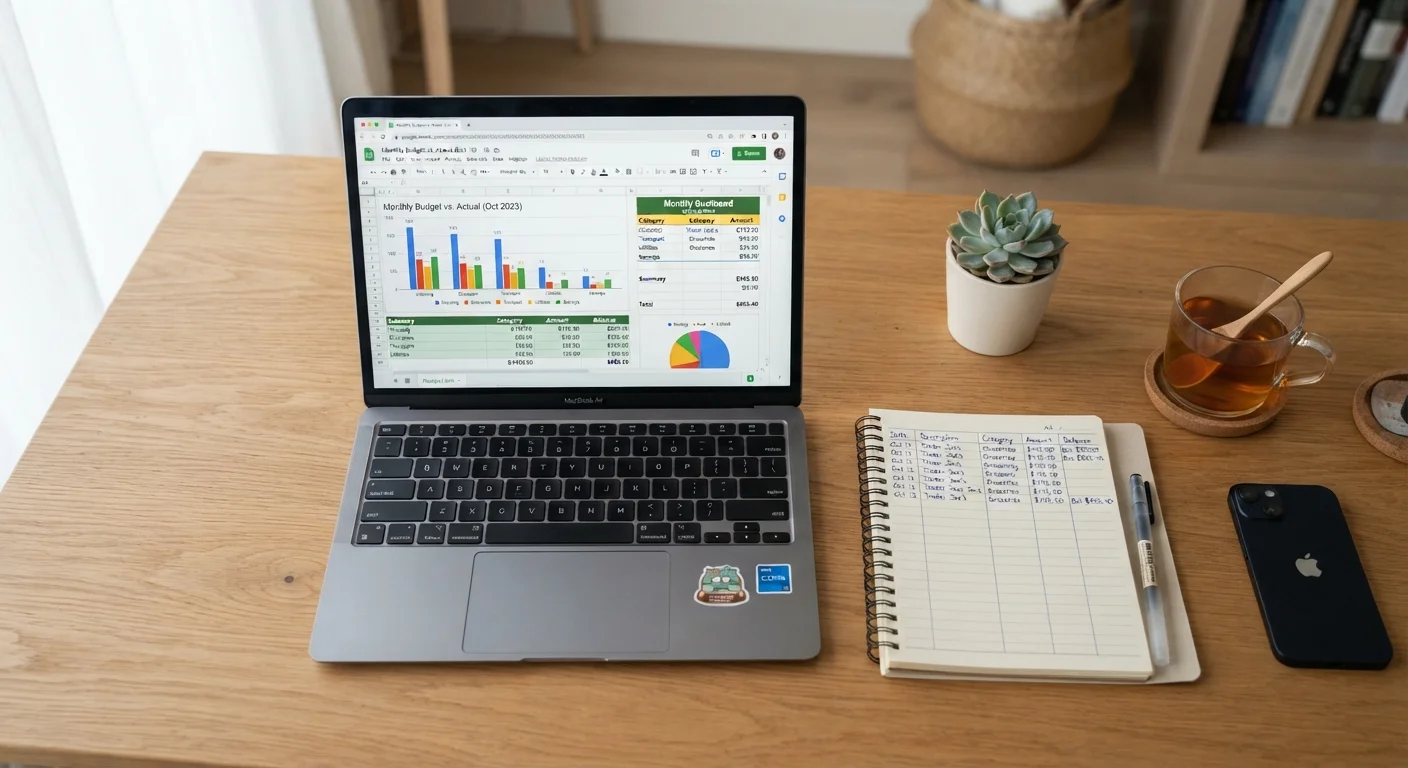
A spreadsheet — whether built in a free tool like Google Sheets or a paid program — gives you a blank canvas. You decide the categories, the formulas, and the layout. That flexibility is genuinely valuable if your financial situation doesn't fit neatly into preset app categories, or if you simply like understanding exactly how your numbers work.
Key advantages:
- Zero subscription cost (using free platforms)
- Complete customization — categories, date ranges, visual layouts
- No third-party access to your bank accounts
- Builds deeper financial awareness through manual entry
Real drawbacks:
- Manual data entry is time-consuming and easy to abandon
- Errors go undetected unless you audit regularly
- No automatic alerts for overspending in a category
- Requires some comfort with formulas or spreadsheet tools
Research on behavior change consistently shows that the friction involved in a habit predicts whether people maintain it. Manual entry creates friction — which can be a feature (it forces mindfulness) or a bug (it leads to quitting). If you do go this route, building a consistent review habit is essential to getting value from the effort.
| Criterion | Spreadsheet | Budgeting App |
|---|---|---|
| Cost | Free (using Google Sheets, etc.) | Free to paid subscription tiers |
| Setup time | Hours to build from scratch | Minutes to get started |
| Data entry | Fully manual | Mostly automated |
| Customization | Unlimited flexibility | Limited to app's structure |
| Privacy | No third-party account access | Requires bank account linking |
| Spending alerts | Manual monitoring only | Automated alerts available |
| Error risk | Manual entry errors | Miscategorized transactions |
| Best for irregular income | Highly adaptable | May require workarounds |
Budgeting Apps: Speed and Automation With Trade-Offs
Dedicated budgeting apps — as a category — connect to your financial accounts and automatically categorize transactions, often within seconds of a purchase. The practical appeal is real: you see where your money went without logging each coffee or grocery run manually.
Key advantages:
- Automatic transaction import saves significant time
- Visual dashboards make spending trends easy to spot
- Alerts and notifications help catch overspending early
- Many include goal-tracking and debt payoff tools
Real drawbacks:
- Subscription fees apply to many capable apps
- Connecting bank accounts involves sharing credentials with a third party
- Automatic categorization makes errors — some transactions are miscategorized
- App features may push you toward add-on financial products
It's worth noting that even automated tools require regular human review. Apps don't catch every nuance — a subscription you forgot about may hide in a miscategorized line item. Pair any tracking tool with a structured monthly budget review to stay genuinely on top of your finances.
~33%
Adults with a detailed household budget
Gallup polling has consistently found that roughly one in three U.S. adults maintains a detailed household budget, suggesting most people track spending informally or not at all.
65%+
People who abandon budgeting within months
Consumer finance research broadly indicates that most people who attempt budgeting stop within a few months, often citing the effort required to maintain their chosen system.
$200–$400
Estimated average monthly discretionary spending gap
Financial planners commonly observe that individuals who track spending closely often identify a meaningful gap between perceived and actual discretionary outflows each month.
Choosing What Works for You
No single tracking format is universally superior. Your best option depends on a few practical factors:
- Tech comfort
- If spreadsheet formulas feel intimidating, an app's guided interface reduces the learning curve considerably.
- Privacy priorities
- If you're uncomfortable linking bank accounts to a third-party service, manual tracking keeps your data entirely in your hands.
- Income structure
- Freelancers or those with variable income may find custom spreadsheets more adaptable than apps built around fixed monthly income.
- Time available
- Busy schedules favor automation — even imperfect automated data is more useful than a spreadsheet you stopped updating in week two.
Some people use both: an app for day-to-day transaction visibility, and a spreadsheet for monthly summaries and longer-term planning. There's no rule against combining approaches. What matters is that you're regularly reviewing where your money goes — especially those small, frequent purchases that can quietly drain a budget. Our article on why small purchases matter explains the financial logic in detail.
A Note on App Privacy and Security
When a budgeting app connects to your bank account, it typically uses a service called bank aggregation — a third party securely retrieves your transaction data on the app's behalf. While reputable services use encryption, no digital connection is entirely risk-free. Before linking accounts, review the app's privacy policy and understand how your data is stored and shared. If privacy is a significant concern, manual spreadsheet tracking remains a fully viable alternative.
This article is for general informational and educational purposes only and does not constitute personalized financial advice. Consult a qualified financial professional for guidance tailored to your individual circumstances.