

Key Takeaways
Processor (CPU)
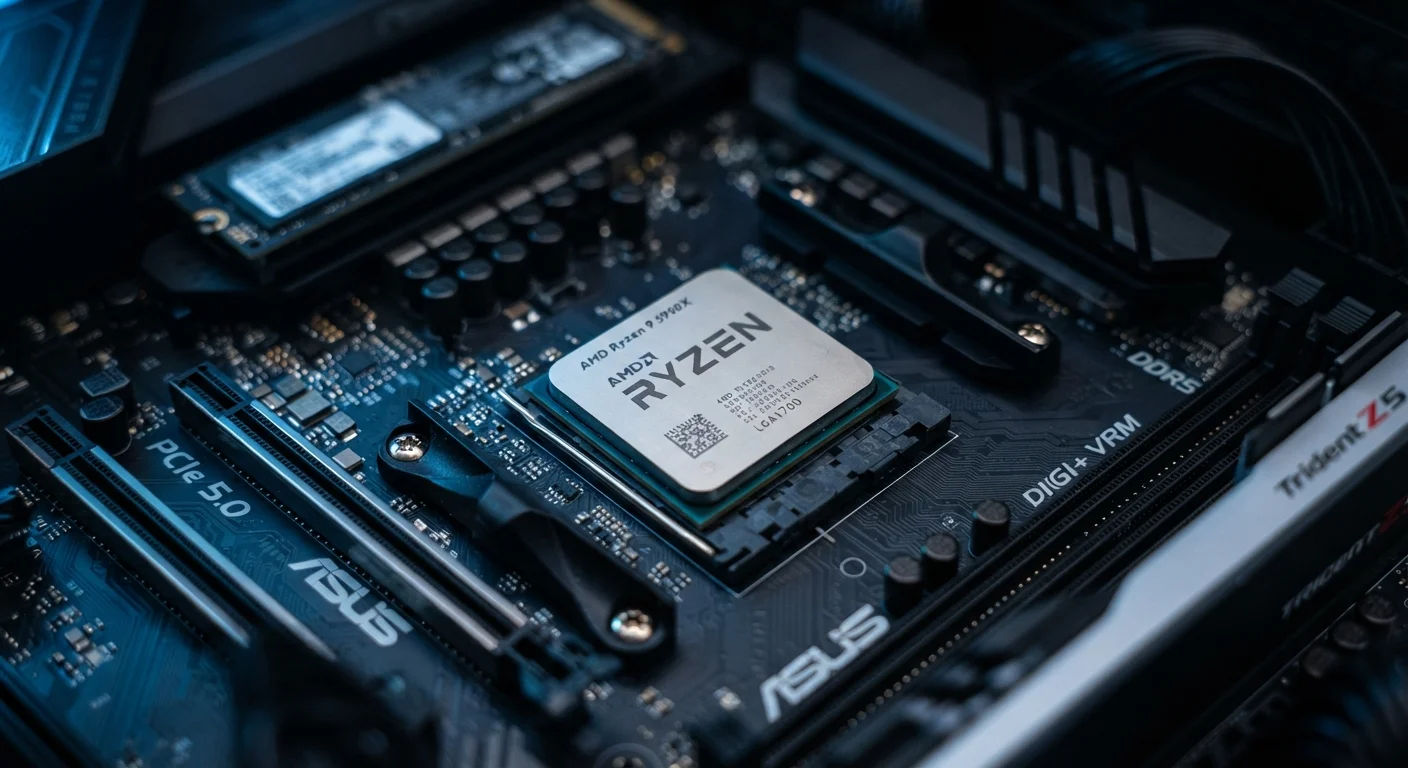
A processor — formally called a Central Processing Unit, or CPU — is the primary component inside a computing device that carries out instructions. Think of it as the part that actually does the thinking: it reads software commands, performs calculations, and coordinates everything else happening in the device. Every tap, click, or keystroke you make triggers a series of instructions that the processor executes at extraordinary speed.
Modern CPUs execute instructions using an internal cycle called fetch-decode-execute, running billions of these cycles per second — a speed measured in gigahertz (GHz).
The One Job Every Processor Has
Strip away all the technical language and a processor has one fundamental job: follow instructions. When you open an app, the operating system sends a sequence of instructions to the CPU. The processor reads each instruction, figures out what it means, carries out the required operation — an addition, a comparison, a data move — and then immediately moves to the next one. It does this billions of times every second.
That cycle — fetch, decode, execute — is the heartbeat of every computing device. "Fetch" means the CPU retrieves the next instruction from memory. "Decode" means it interprets what that instruction is asking. "Execute" means it actually does it. Rinse and repeat, at a pace measured in gigahertz.
“The processor is not just a component — it is the executor of intent. Every piece of software ever written is ultimately a list of instructions waiting for a CPU to carry them out.”
— Patterson & Hennessy, Authors of 'Computer Organization and Design', a foundational computer architecture textbook
Cores, Clock Speed, and What They Actually Mean
Two numbers come up constantly when people discuss processors: clock speed (measured in GHz) and core count. Clock speed tells you how many instruction cycles the processor completes per second — a 3 GHz processor completes roughly three billion cycles every second. Core count tells you how many independent processing units the chip contains.
More cores means more tasks can run in parallel. A single-core processor works through a to-do list one item at a time. A processor with eight cores can work through eight items simultaneously. This is why modern devices feel smooth even when streaming video, syncing email, and running a navigation app at the same time.
3+ GHz
Typical modern consumer CPU clock speed
Most current-generation laptop and desktop processors operate between 3 GHz and 5 GHz under load, depending on workload and thermal conditions.
8–16
Common core count in mainstream laptops
Mainstream consumer laptops released in recent years commonly ship with processors containing between 8 and 16 cores, enabling efficient multitasking.
How the CPU Fits With the Rest of the Device
The processor does not work alone. It relies on a supporting cast of components:
- RAM holds data the CPU is actively working with, providing fast, temporary access.
- Storage (a hard drive or solid-state drive) holds everything long-term — apps, files, the operating system itself.
- The GPU takes on graphics-heavy workloads so the CPU does not have to handle every pixel on screen.
The CPU orchestrates all of these. When you open a photo, the processor tells the storage to retrieve it, directs the data into RAM, and instructs the GPU to render it on screen — all in a fraction of a second.
Processor Speed Is Not the Whole Story
A fast CPU paired with insufficient RAM or a slow hard drive will still feel sluggish. The processor can only work as quickly as data arrives from memory and storage. Upgrading RAM is often more impactful on perceived speed than swapping the processor itself — especially in older machines.
Where Processors Show Up in Everyday Life
It is easy to associate processors with desktop computers and laptops, but they are far more widespread than that. The same core technology powers smartphones, tablets, smart TVs, game consoles, car navigation systems, and even household appliances like smart thermostats and connected refrigerators.
Mobile processors are engineered for efficiency as much as speed — running complex tasks while consuming minimal battery. Embedded processors in appliances are simpler, designed only to handle a narrow set of commands. The underlying principle, however, is identical across all of them: fetch an instruction, decode it, execute it, repeat.
Understanding what a processor does — even at this level — makes the technology in your daily life considerably less mysterious. When a device feels slow, you now have a framework for thinking about why: the processor may be overwhelmed, starved of fast memory, or waiting on slow storage rather than the chip itself being defective.